Basics
The zakat and tax provision and its entry
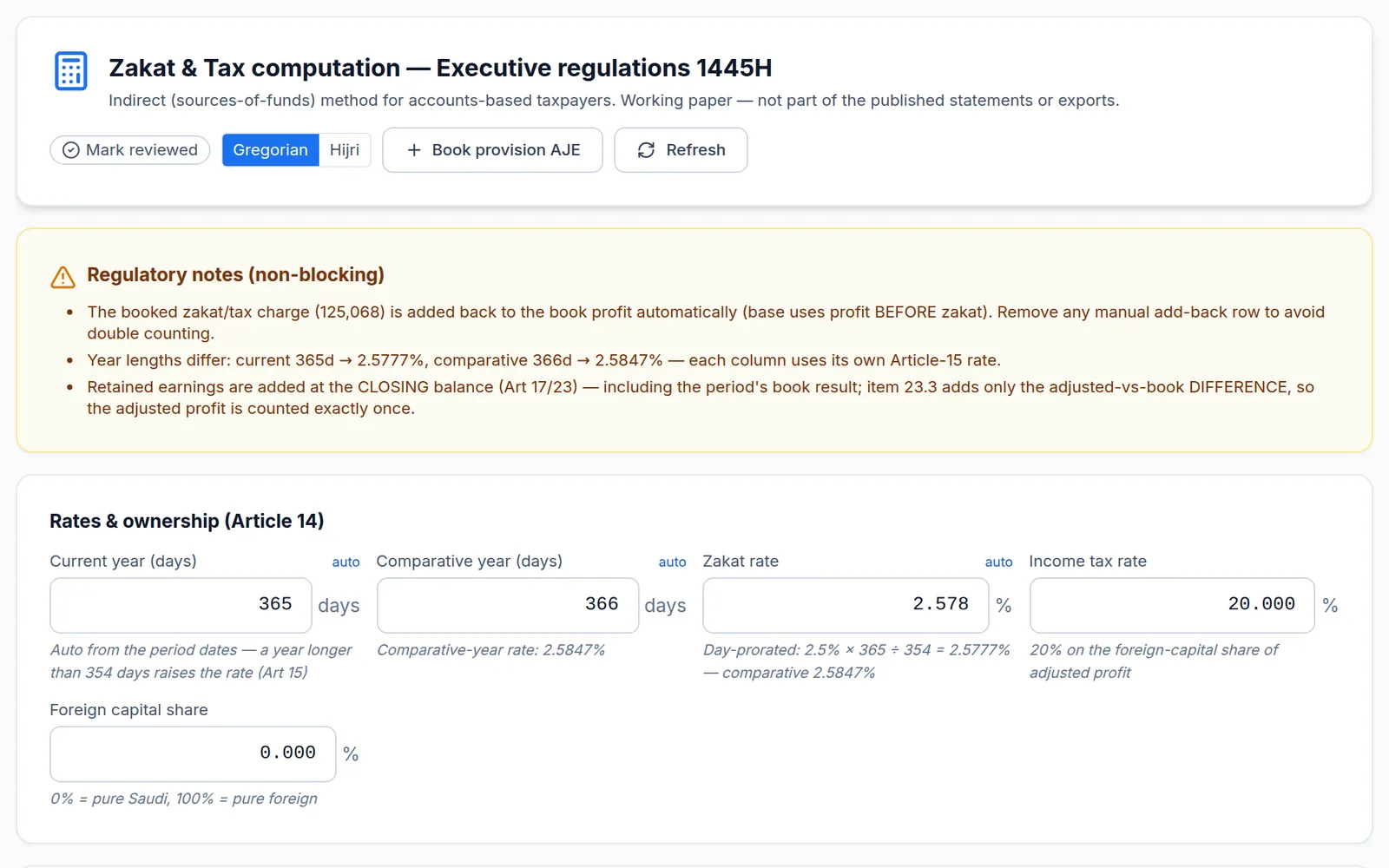
The Zakat & Tax tab is a working paper that computes the provision. It is not the published note: the note only takes the totals from it (adjusted profit, base, zakat due, liability movement). That is why the tab sits in “2 · Data”: its charge reaches profit or loss through an adjusting entry, so it must be done before you review the statements.
The Saudi path in brief
- Book profit before zakat, then the adjusted profit.
- Additions (equity and qualifying liabilities) and deductions give the base.
- The minimum and maximum base rules apply automatically, per the regulations.
- Zakat = final base × rate × Saudi/GCC ownership share; income tax applies to the non-Saudi share.
Figures are read from the balance sheet. A “Balance sheet: … ↺” figure under a field means the saved value differs from the current balance sheet — click it to restore. A red panel means a balance problem (for example deductions above non-current assets) to fix before sign-off.
Booking
“Book provision AJE” posts the amount as an adjusting entry (debit zakat/tax expense, credit the liability). Clicking again after changing the base updates the same entry instead of duplicating it. The final base can be overridden by hand, with a “Restore auto” button.
In the UAE, Qatar, Bahrain, Oman, Egypt and Jordan the tab shows only the income-tax rate and taxable share; in Kuwait it shows the KFAS, NLST and zakat panels.