Basics
Auditor's report, signing and the verification code
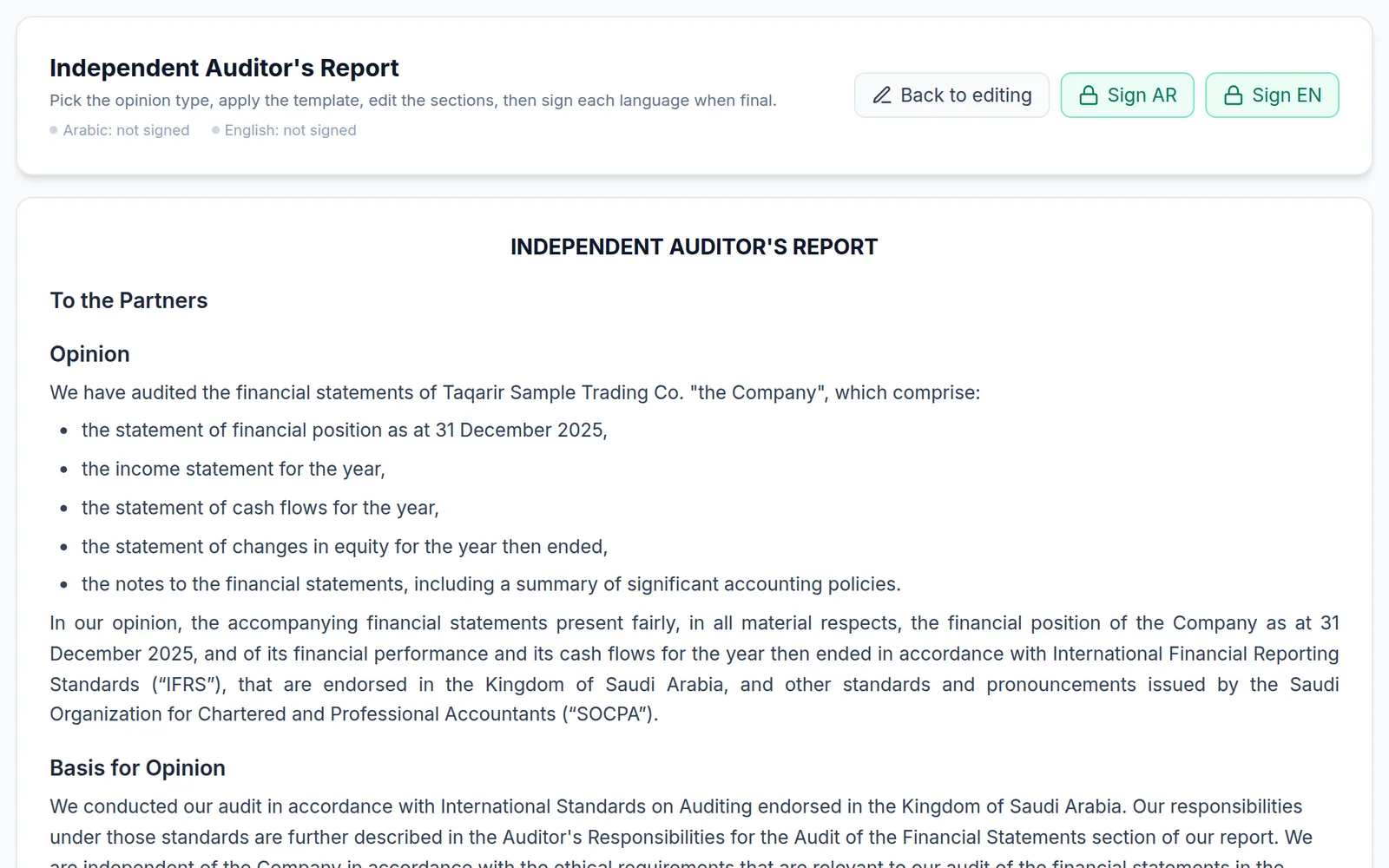
On the Auditor's report tab you edit the report text itself: the opinion type (unmodified, qualified, adverse, disclaimer), the entity's legal form — which sets the addressee and the “Other legal and regulatory requirements” wording — ready templates, reorderable sections, and optional ones such as emphasis of matter, key audit matters and going concern.
Signing
- The “Sign Arabic” and “Sign English” buttons sign each language separately; press the same button to unsign.
- If your organisation turned on identity verification, an ID / Iqama number and a verification code are requested before the signature completes.
- The buttons are greyed out for anyone without permission to sign the auditor's report.
Verifying the report
The issued final report carries a QR code and a serial such as “ENG-2026-013-V1”. Scanning it opens a public verification page that confirms the platform issued it, shows its headline figures for comparison, and warns if the engagement data changed after issue. Draft copies carry no code.
You have finished the Basics path! Next year, start from “New engagement → Roll-forward”.